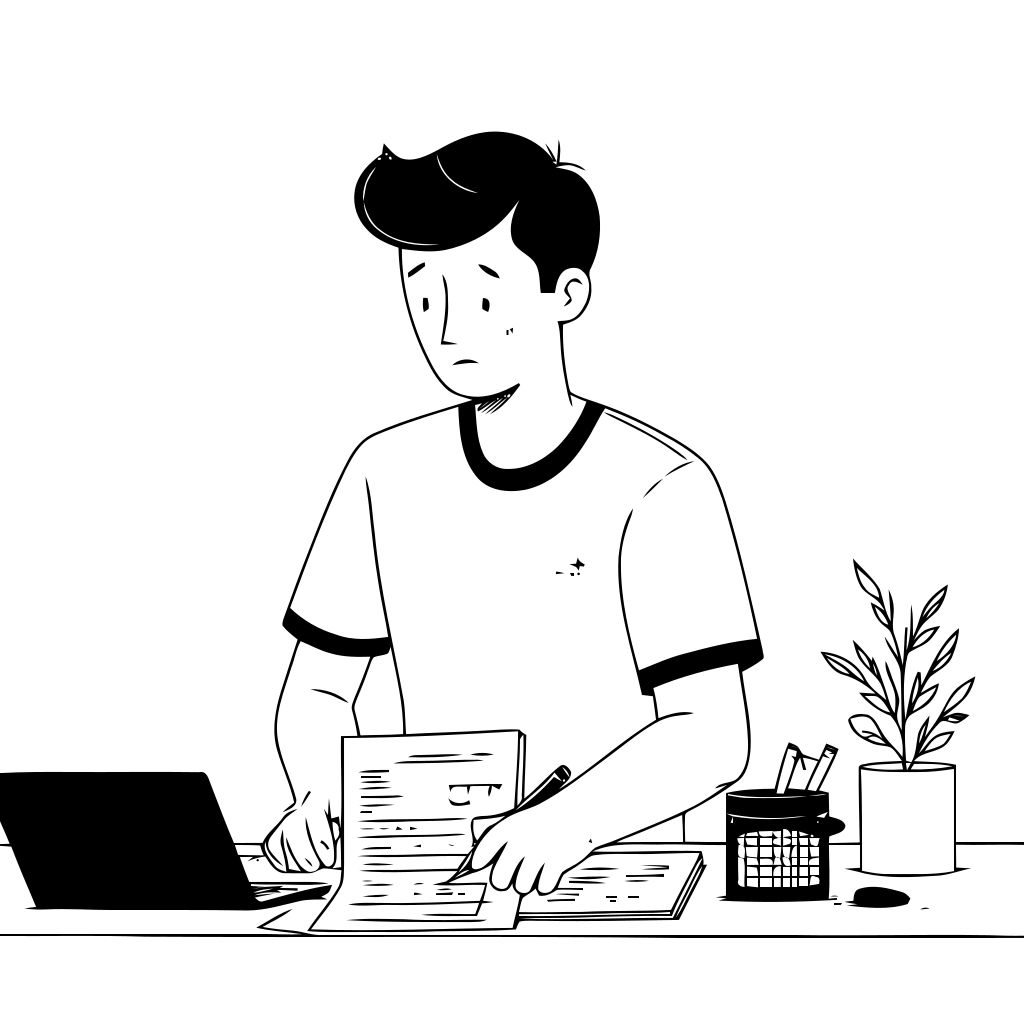
The Challenge
A patient needed a simple way to track daily pain symptoms and provide a clear summary to their doctor during check-ups.
Manual Journaling Issues
Manual journaling was inconsistent and unreliable for tracking symptoms effectively.
Incomplete Documentation
Notes were often incomplete or disorganized, making medical assessment difficult.
Lack of Structure
Doctors lacked structured reports to track progress over time and make informed decisions.
The goal: create a simple, mobile-friendly system that required minimal effort from the patient while producing professional reports for doctors.
The Solution
We built a no-code workflow using Airtable, Zapier, and Google Docs that automated the entire process:
Daily Entry
The patient logs symptoms via a mobile Airtable form (pain level, location, notes, medication, etc.).
Automatic Capture
Zapier collects entries into Airtable automatically without manual intervention.
Weekly Summary
At the end of the week, Zapier generates a report in Google Docs using a pre-designed template.
Delivery
The patient receives a secure link via email/SMS, which can be shared directly with the doctor.
Tools Used
Our no-code solution leveraged three powerful platforms to create a seamless healthcare automation workflow.

Airtable
Mobile symptom logging & data storage platform for easy patient input

Zapier
Workflow automation (date filtering, report generation, notifications)

Google Docs
Professional report template for structured medical documentation
Outcome Snapshot
The final solution provides both patients and doctors with intuitive, professional tools for better healthcare management.
Patient View (Mobile Form)

Quick symptom entry through an intuitive mobile interface that takes seconds to complete
Doctor View (Report)

Structured weekly summary with pain trends and comprehensive patient data for informed medical decisions
Result: A seamless healthcare automation solution that improved patient compliance, enhanced doctor-patient communication, and saved valuable time for both parties.